How to auto drive to your waypoint in GTA 6
Video on Instagram · Watch on Instagram
What it shows
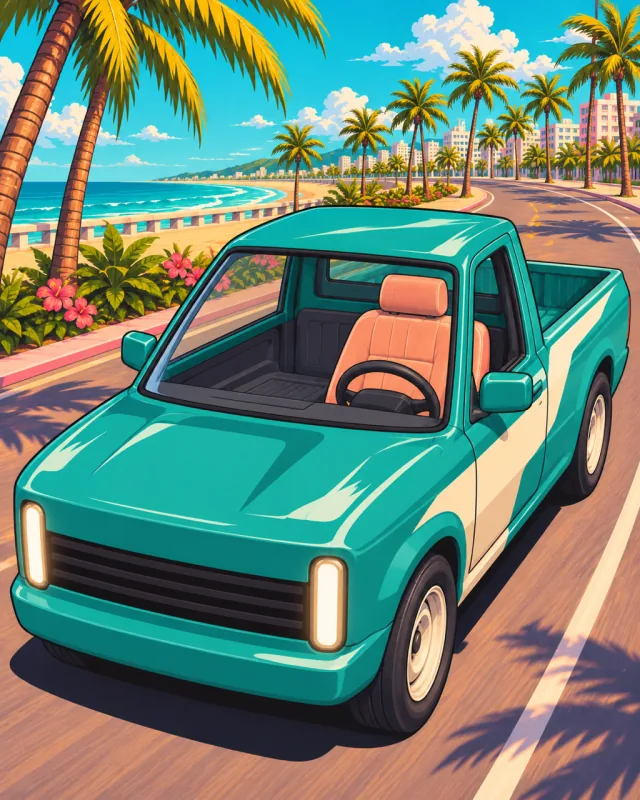
A teal pickup rolls down a palm-lined Leonida road with nobody at the wheel. Set a waypoint on the map, get in a vehicle, and the Cinematic option on the pause menu hands the driving to the game.
In this video
- 0:00Auto drive takes you to your next waypoint without you steering.
- 0:06Set a waypoint on the map first, then get into a vehicle.
- 0:10Hold the D-pad in the car and press the Cinematic button to bring up the driving options.
- 0:14Enable auto drive from there and the car heads to the waypoint by itself.
- 0:16Remove Destination, Markers and Camera 1/2/3 are also on the menu while it drives.
Times are where it starts in the video. Written by us from the video; the video itself stays on Instagram.